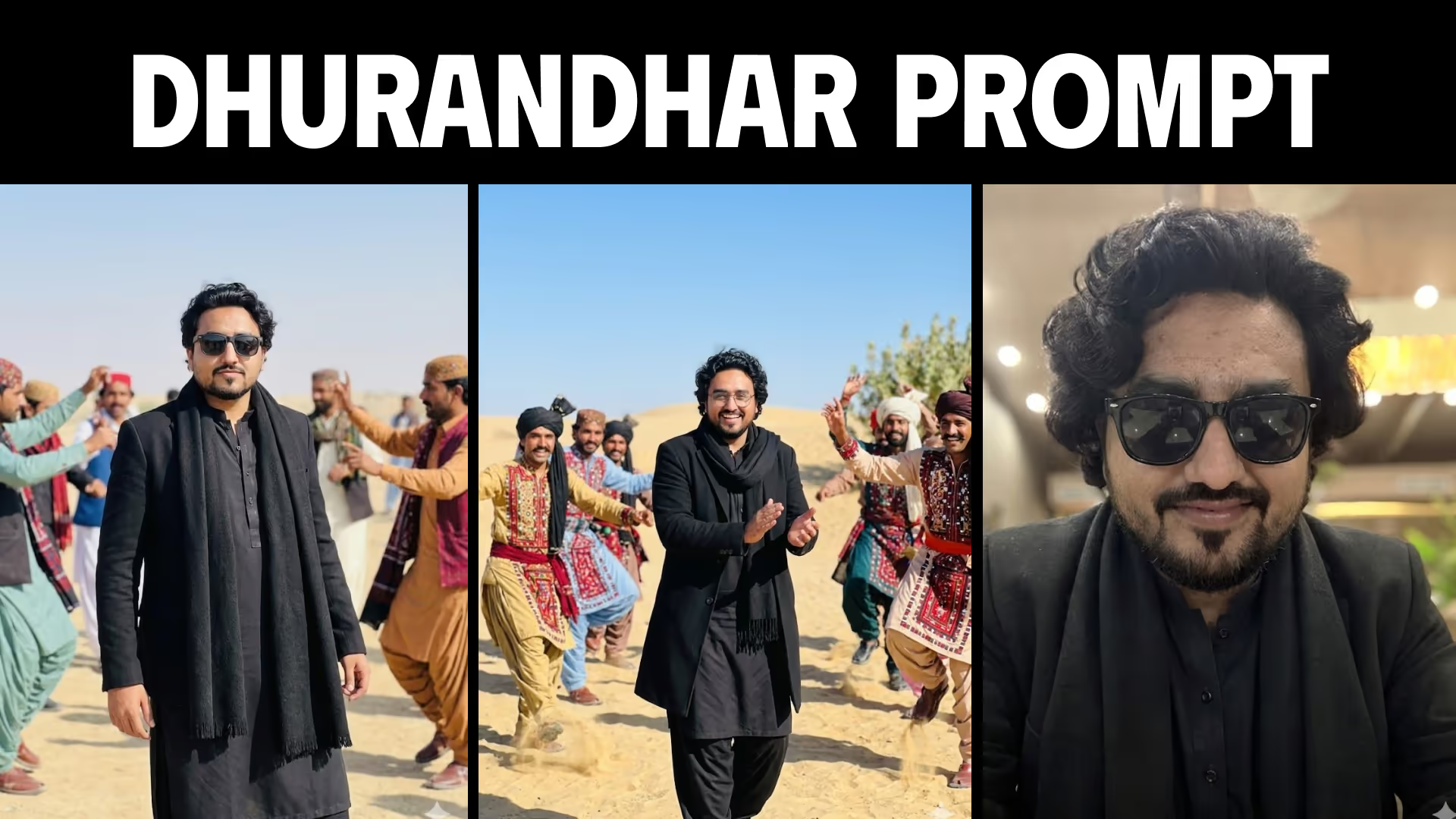
Create viral cinematic AI images using these 5 Dhurandhar Gemini prompts inspired by Rehman Dakait style. Copy-paste ready prompts + step-by-step guide.
Table of Contents
5 Dhurandhar Gemini AI Prompts — Full Guide
AI photo editing is evolving fast — and one trend that’s exploding right now is the Dhurandhar cinematic AI style, inspired by the viral Rehman Dakait look.
These prompts let you create movie-level visuals in seconds using Gemini.
🎥 Watch Full Tutorial
How to Create Dhurandhar AI Images in Gemini (Step-by-Step Tutorial)
Learn how to create viral Dhurandhar-style AI images using Google Gemini. Step-by-step tutorial with prompts, tips, and pro tricks.
View TutorialWhy This Trend Is Blowing Up
- Cinematic storytelling in a single image
- Works with simple copy-paste prompts
- No editing skills required
- Perfect for Instagram & YouTube
👉 This is not just AI art — it’s viral content creation
What You’ll Learn
- How to generate cinematic AI images
- How to use Gemini for realistic outputs
- How to create viral-style edits
- Best prompts for Dhurandhar trend
All 5 Dhurandhar Prompts
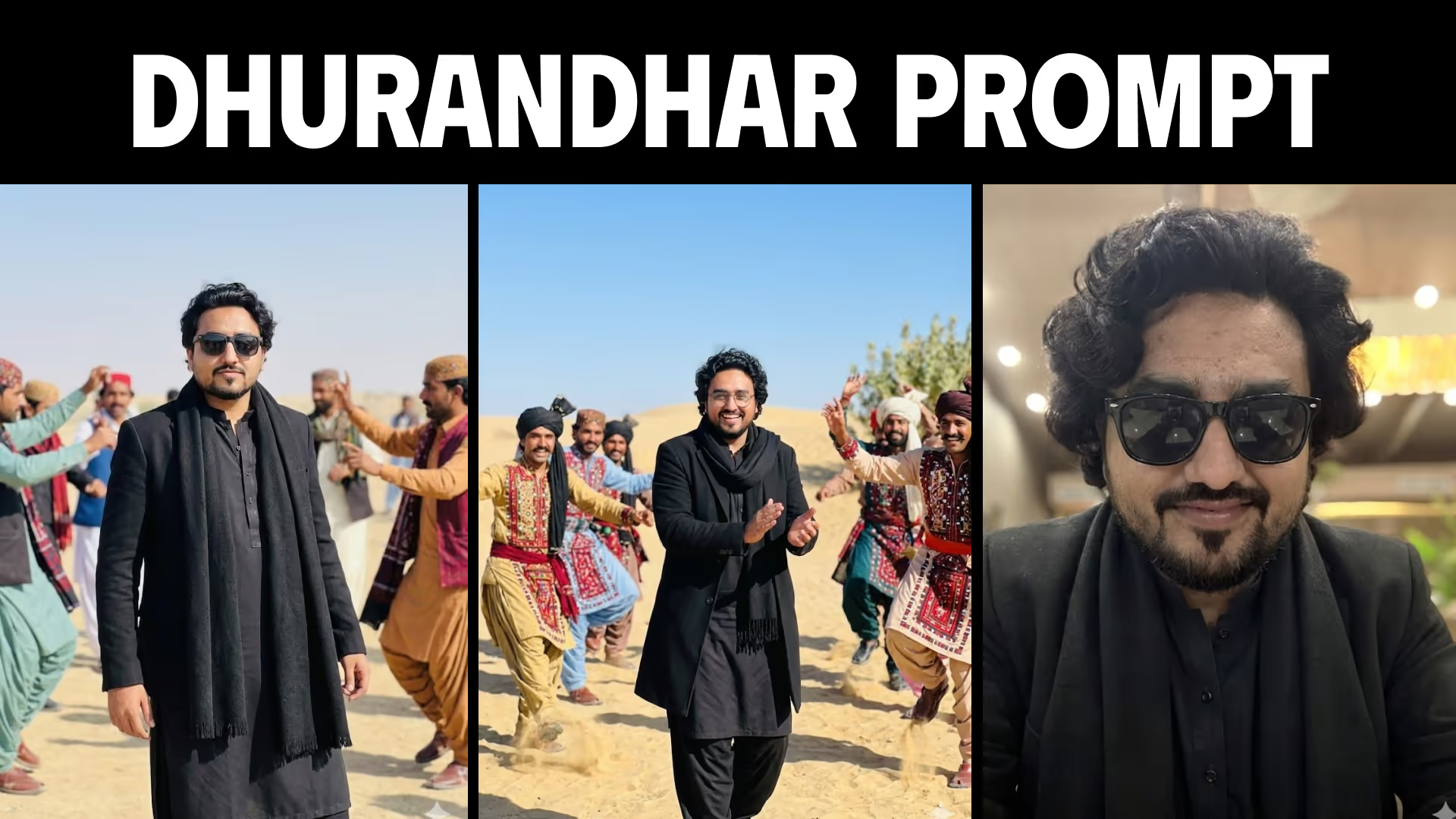
Dhurandhar Cinematic Walk — Rehman Dakait Style
Generate a viral cinematic Dhurandhar-style AI image with a powerful Rehman Dakait inspired character and dramatic rose petal atmosphere.
Dhurandhar Cheerful Entry — Rehman Dakait Crowd Scene
Create a cinematic Dhurandhar-style AI image with cheering crowd, powerful entry scene, and Rehman Dakait inspired character.
Dhurandhar Celebration Scene — Cinematic Dance Style
Generate a high-energy cinematic Dhurandhar-style AI image with dancing motion, dramatic lighting, and viral AI aesthetics.
Dhurandhar Stylish Entry — Jeep Cinematic Shot
Create a cinematic Dhurandhar-style AI image of a stylish man stepping out of a jeep in a desert environment.
Dhurandhar Solo Entry — Cinematic SUV Scene
Generate a cinematic AI image of a stylish character exiting a vehicle with dramatic lighting and viral Dhurandhar aesthetic.
How to Use These Prompts
Step 1 — Open Gemini
Login using your Google account
Step 2 — Copy Prompt
Pick any prompt from above
Step 3 — Generate Image
Paste → Click Generate
👉 You’ll get multiple outputs instantly
Pro Tips for Viral Results
-
Run prompt multiple times
-
Slightly tweak:
- Outfit
- Lighting
- Environment
-
Always include:
- Cinematic
- Realistic
- High detail
Common Mistakes
- Using short prompts
- Not adding cinematic keywords
- Expecting same result every time
👉 AI is random — iterate for best output
Use Cases
- Instagram viral edits
- YouTube thumbnails
- AI influencer content
- Portfolio visuals
FAQs (SEO Optimized)
Final Thoughts
This trend proves one thing:
👉 You don’t need Photoshop anymore
With the right prompt, you can create:
- Cinematic visuals
- Viral content
- High-quality AI images
🚀 Now go create something that stands out