ChatGPT Beginner
Minimalist Cartoon Portrait ChatGPT Caricature Prompt
Create a clean, modern minimalist AI caricature with this copy-paste ChatGPT prompt. Ideal for professional profiles, personal branding, and digital avatars.
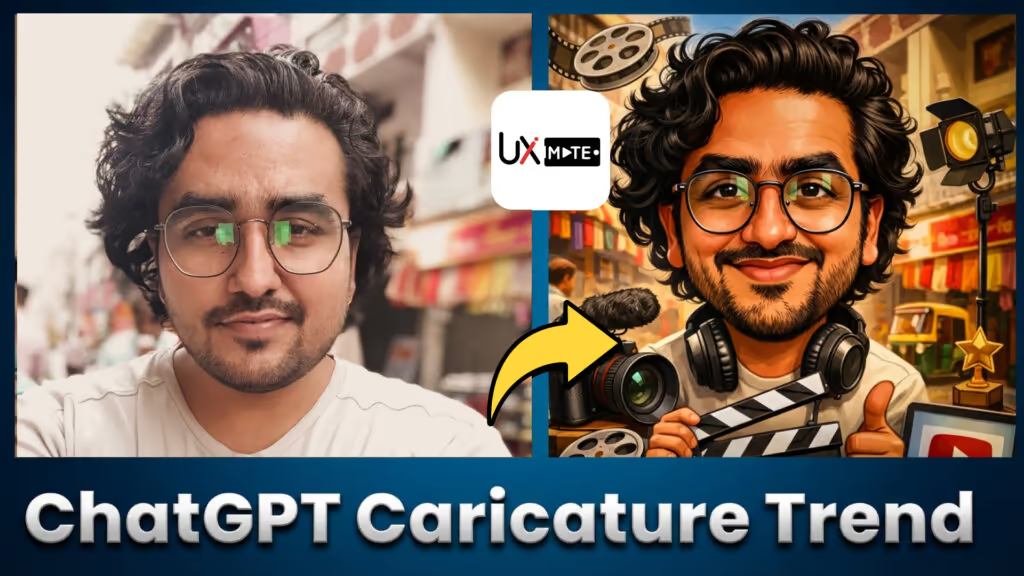
Minimalist Cartoon Portrait Prompt
Use this prompt when you want a clean, refined AI caricature — less exaggeration, more polish. Great for professional contexts where subtlety matters.
Generate a clean, minimalist AI caricature of me with slightly exaggerated features, soft lighting, simple background, and a modern cartoon portrait style.How to Use This Prompt
- Open ChatGPT with image generation
- Upload a clear, well-lit photo of yourself
- Paste the prompt and send
- Refine with: “Use a white or soft gradient background” or “Make the shading softer”
Customization Tips
- Adjust exaggeration level — e.g., “Very subtle exaggeration, almost realistic”
- Choose background — e.g., “Soft pastel blue background”
- Lighting style — e.g., “Soft studio lighting from the left”
- Color palette — e.g., “Muted, professional color tones”
Best Used For
- LinkedIn profile avatar
- Personal website “About” section
- Email signature artwork
- Team directory photo replacement