ChatGPT Intermediate
High-Detail AI Art Illustration ChatGPT Caricature Prompt
Generate a premium, high-detail AI caricature art illustration using this advanced ChatGPT prompt. Smooth shading, dynamic lighting, and expressive digital painting quality.
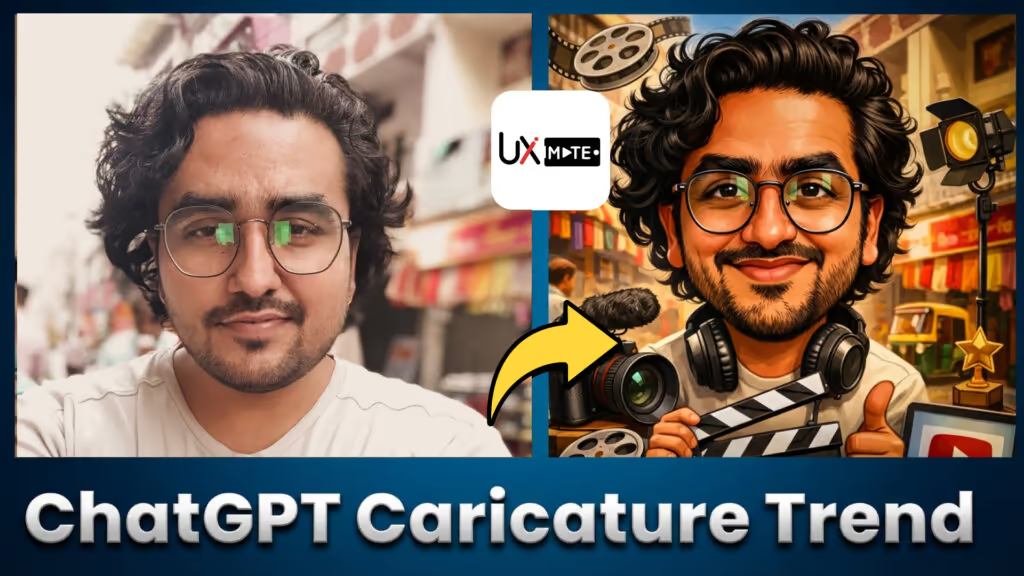
AI Art Illustration Caricature Prompt
For those who want something that looks like it came from a professional digital artist — this prompt targets premium, high-detail output with the depth of a real illustration.
Create a high-detail AI caricature art illustration of me with smooth shading, dynamic lighting, expressive facial features, and a premium digital painting look.How to Use This Prompt
- Open ChatGPT with image generation
- Upload a high-resolution, clear photo of yourself
- Paste the prompt and add style references if you have them
- Refine: “More dramatic lighting from above-left” or “Richer color saturation in the skin tones”
Customization Tips
- Lighting style — e.g., “Cinematic rim lighting with warm key light”
- Shading technique — e.g., “Smooth gradient shading, no harsh lines”
- Detail level — e.g., “Include texture in the clothing and fine hair strands”
- Color grading — e.g., “Warm, golden-hour color grading”
Best Used For
- Portfolio hero image
- Personal brand website
- Book author portrait
- High-quality print merchandise