
Creating a passport photo sounds simple, but anyone who has tried it knows the truth.
Strict government rules, exact dimensions, background requirements, and face alignment make it frustrating—especially if you want to do it yourself, for free, and securely.
That is exactly why using a passport-size photo maker online is the smartest solution today.
In this guide, you’ll learn how to convert any picture into passport size, meet official country requirements, and generate print-ready photos using a secure, browser-based tool.
Why You Need an Online Passport Size Photo Maker
Traditional photo studios are expensive and time-consuming. DIY editing apps often fail because they don’t follow government rules.
A professional passport picture maker solves these problems by:
- Following official government photo requirements
- Automatically adjusting dimensions and face position
- Removing backgrounds using AI
- Keeping your photos 100% private
- Working directly in your browser (no uploads)
This makes an online passport photo maker the safest and fastest option.
What Is PassportPhotoHub?
PassportPhotoHub is a secure, browser-based passport size photo creator that lets you:
- Convert a normal photo into passport size
- Select country-specific requirements
- Edit, crop, and align photos correctly
- Download digital photos or print sheets
- Keep everything private on your device
Visit the tool here:
https://www.passportphotohub.com/en/
Watch the Video Tutorial (Recommended)
The video walks through the complete process step-by-step and is perfect for first-time users.
Step-by-Step: How to Make Passport Size Photo Online
Step 1: Select Your Country
Start by choosing your country from the list or dropdown menu.
Each country has different passport photo rules, and these rules change over time.
This passport photo creator online tool always uses the latest official standards.
Step 2: Choose Photo Type
After selecting the country, choose whether you need a:
- Passport photo
- Visa photo
The tool automatically sets the correct size and guidelines.
Step 3: Upload Your Picture
Upload a photo from your device. You can select a JPG, JPEG or PNG file and upload in the tool.
Everything runs locally in your browser.
Step 4: Adjust Image (Optional)
You can fine-tune your image using simple controls:
- Brightness
- Contrast
- Saturation
If your photo already looks good, you can skip this step.
This makes it a powerful passport size picture editor for beginners.
AI Background Removal – Fully Secure
Messy background? No problem.
The AI-powered background remover automatically removes the background while keeping your face intact.
Important privacy note:
- Your photo is never uploaded
- No external servers
- No third-party APIs
This makes PassportPhotoHub a 100% secure passport image maker.
Step 5: Choose Background Color
Most countries require a white background, but some allow alternatives.
You can:
- Keep white
- Choose a light gray
- Reset anytime
This flexibility makes it a reliable passport picture creator.
Step 6: Crop Using Official Guidelines
This is the most important step.
The tool displays:
- Head size limits
- Chin and crown safe zones
- Maximum and minimum face area
You can:
- Zoom in or out
- Pan the image
- Scale accurately
- Use advanced controls if needed
These built-in guides ensure your photo is government-compliant.
Step 7: Apply Crop and Finish
Once everything aligns perfectly, click Apply Crop and Finish.
Your passport-size photo is instantly generated.
No delays. No errors.
Download, Email, or Print Your Passport Photo
After generating your photo, you have multiple options:
Download Digital Photo
Perfect for online applications.
Email the Photo to Yourself
Store it safely and reuse it anytime.
Print Passport Photo Sheet
Choose:
- 4×6 Inch paper
- A4 paper
The tool automatically creates a printable grid so you can cut photos yourself.
This makes it an all-in-one photo conversion to passport size solution.
Join Our Community
Why PassportPhotoHub Is Better Than Other Tools
Here’s what makes it stand out as the best passport online photo maker:
- Free to use
- No account required
- Browser-based processing
- Country-specific rules
- AI background removal
- Print-ready layouts
- Secure and private
Whether you want to convert a photo to passport size, edit a passport picture, or use a passport pic maker, this tool does it all.
Who Should Use This Passport Size Photo Maker?
This tool is perfect for:
- Students applying for passports
- Visa applicants
- Parents creating child passport photos
- Travelers
- Professionals needing official ID photos
If you’ve ever searched for:
- image to passport size converter
- make photo into passport size
- Online passport picture maker, this tool is built for you.
Final Thoughts
Creating passport photos no longer needs to be stressful, expensive, or unsafe.
With PassportPhotoHub, you can:
- Convert any picture into passport size
- Follow official requirements
- Keep your data private
- Finish in minutes
Try the passport-size photo maker Passport Photo Hub now.
If you found this helpful, share the tool with friends or family who struggle with passport photos.
Keep learning. Keep designing. Keep creating smarter tools.
Read more articles on our blogs page.
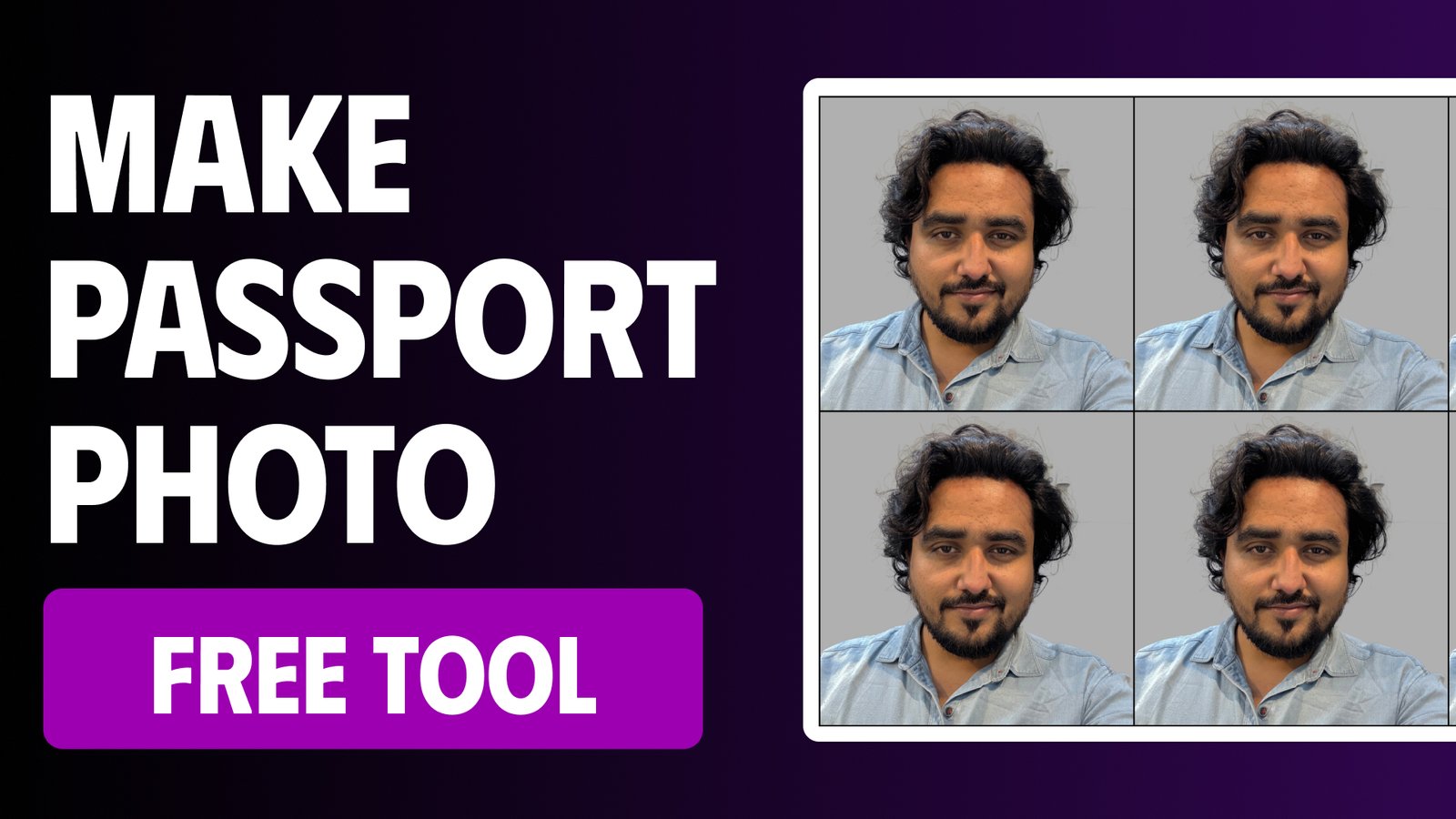
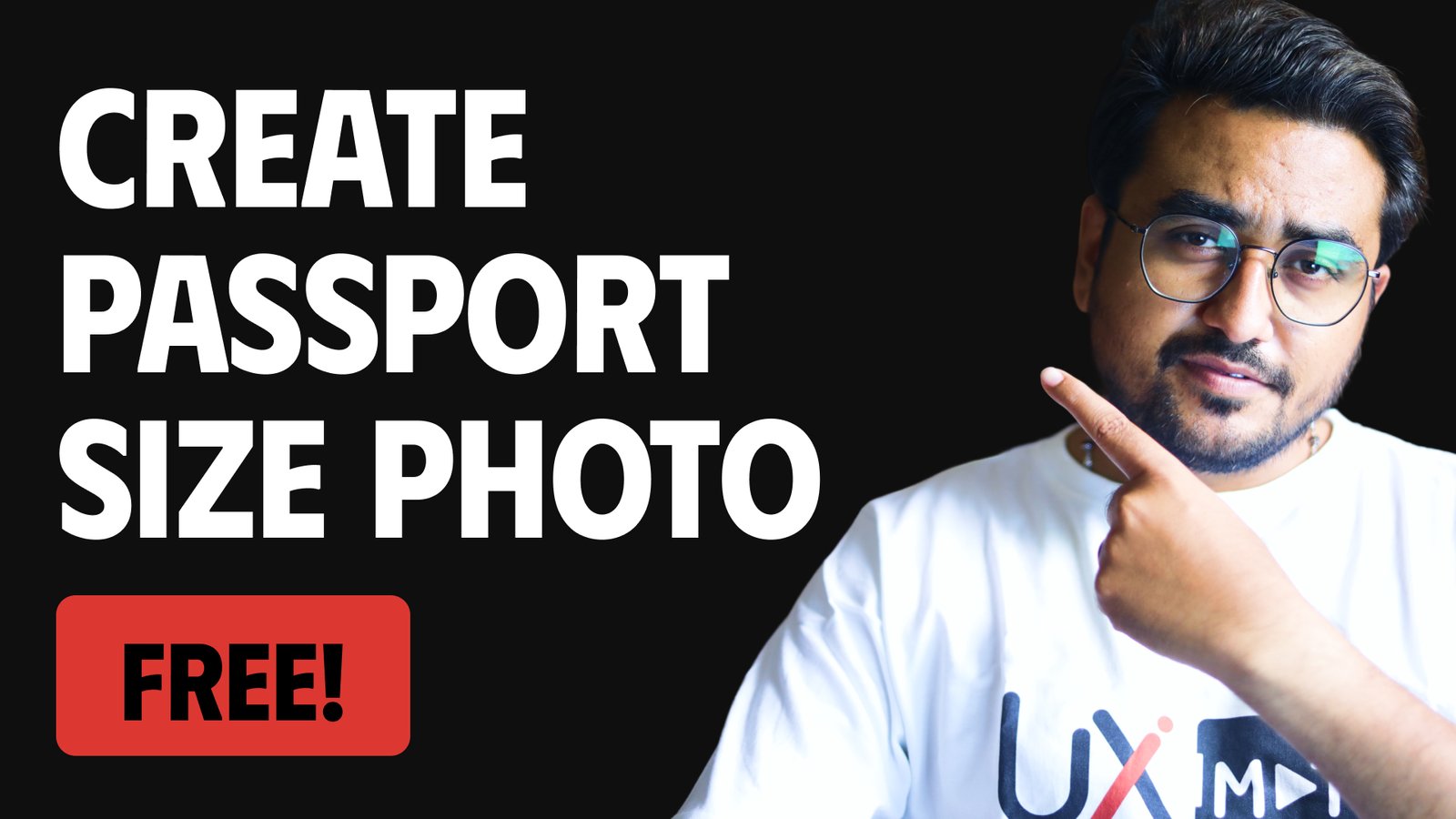
Learn how to create a Passport Size Photo for all countries for free with our tool Passport Photo Hub. In this passport size picture editor tutorial you will learn how to use our online passport photo editor and create a print-ready passport photo for free. In this tutorial you will learn how to crop passport size photo and remove the image background and align passport photos in a grid, ready to print.